How the labs work
Your own Kubernetes cluster for every lab, a ladder from guided to solo in each module and timed mock exams to come, checks that read the cluster, and a terminal in your browser.
Your own cluster
A real Kubernetes cluster for every lab
Each lab starts a cluster built for you and nobody else, then opens it in your browser. Nothing to install, nothing shared, and nothing left behind: the cluster is deleted when the lab ends.
Most labs run on one node, the control plane, cp. Labs about scheduling, draining or joining nodes get one or two compute nodes as well, cp+1 and cp+2, because you cannot practice draining a node you do not have.
CKA labs run on kubeadm, as the exam does; CKAD labs on a lighter single-node cluster, so they are ready sooner.
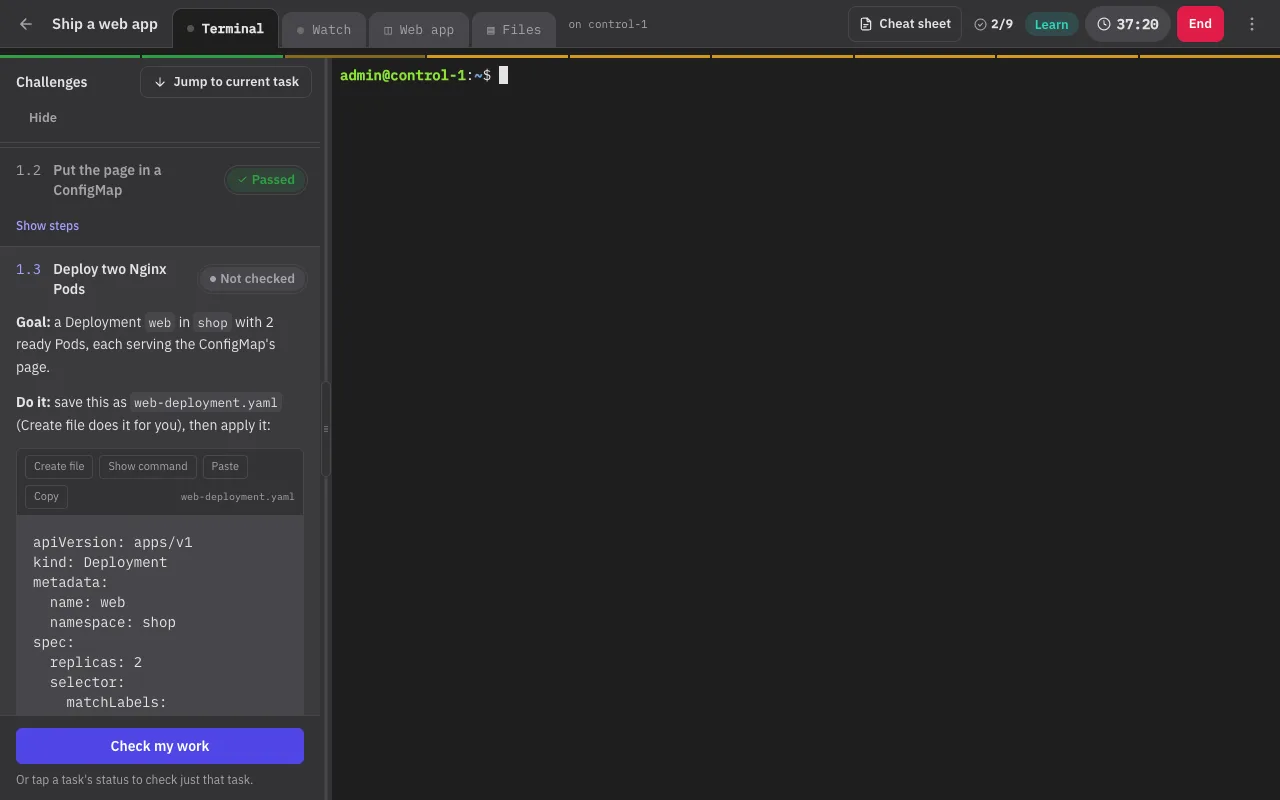
A ladder in every module
From every command shown to the goal alone
Every module climbs the same steps, so you learn a topic before you are tested on it:
- Learn, a worked example: every command is shown, with why it works.
- Practice, a guided lab: the same kind of task, with the commands behind Show me how.
- Prove, a solo lab: the goal only, as the exam gives it, and every hint counted.
- Exam, in cert mode: timed mock exams in exam conditions, a fixed time, no hints or coach, weighted tasks, and your results at the end.
Two courses, CKA and CKAD, of ten modules each.
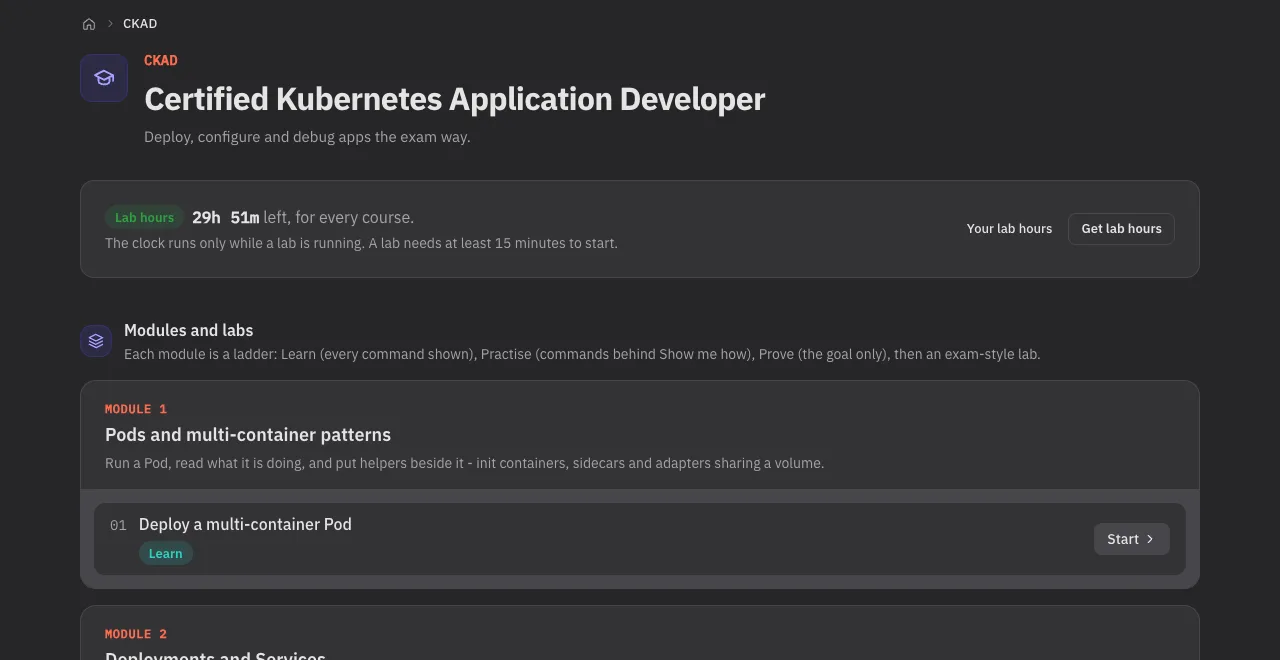
Checks
Checks that read your cluster, not your typing
When you press Check, Gazeek asks the cluster itself: is the Deployment there, are both Pods ready, does the Service answer. Any way of getting there counts, as it does in the exam.
Each task shows what passed and what did not, so you move on knowing it works, and your progress is kept for next time.
In your browser
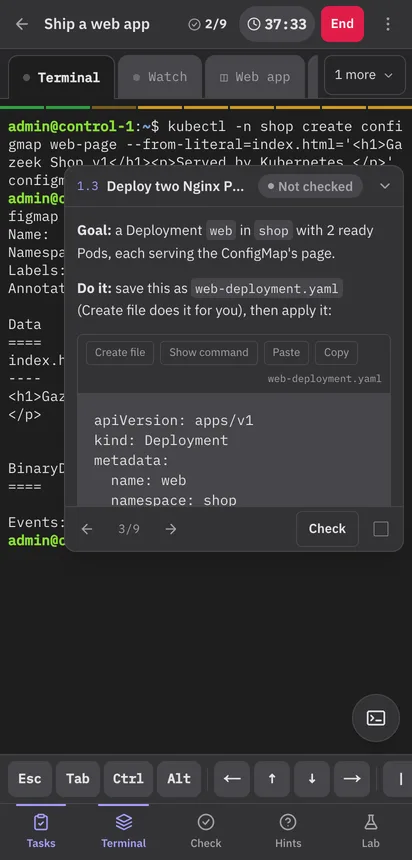
A terminal that works on a laptop and a phone
A tab for each node, a Watch tab that keeps kubectl get running, the lab's own web app when it has one, and the files you are editing. A cheat sheet sets up the exam-day aliases for you.
On a phone the task floats over the terminal, a key bar gives you Esc, Tab, Ctrl and the arrows, and Quick commands keeps the ones nobody remembers one tap away.
Coach
A coach when you are stuck
Ask the coach in any lab. It sees the task you are on and answers with a nudge towards the next step rather than the whole answer, so you still do the work.
Gazeek Memory Gym
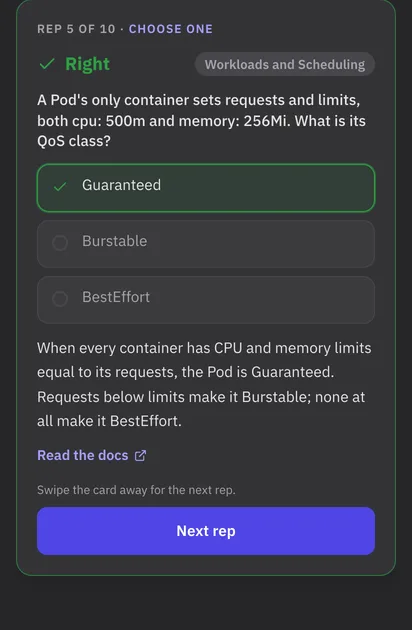
Practice questions between labs
Short sets of 10 questions by CNCF exam domain, in practice mode (each answer as you go, with the docs) or exam mode (all at the end). The ones you miss come back until they stick.
Try a few free practice questions, no sign-in needed.
Lab hours
You pay for the time a lab runs
Reading the catalogue and every lab brief is free. Labs use lab hours, and the clock runs only while a lab is running; end it and the clock stops.
See it for yourself
Sign in, open a course and read any lab brief for free.